Sale!

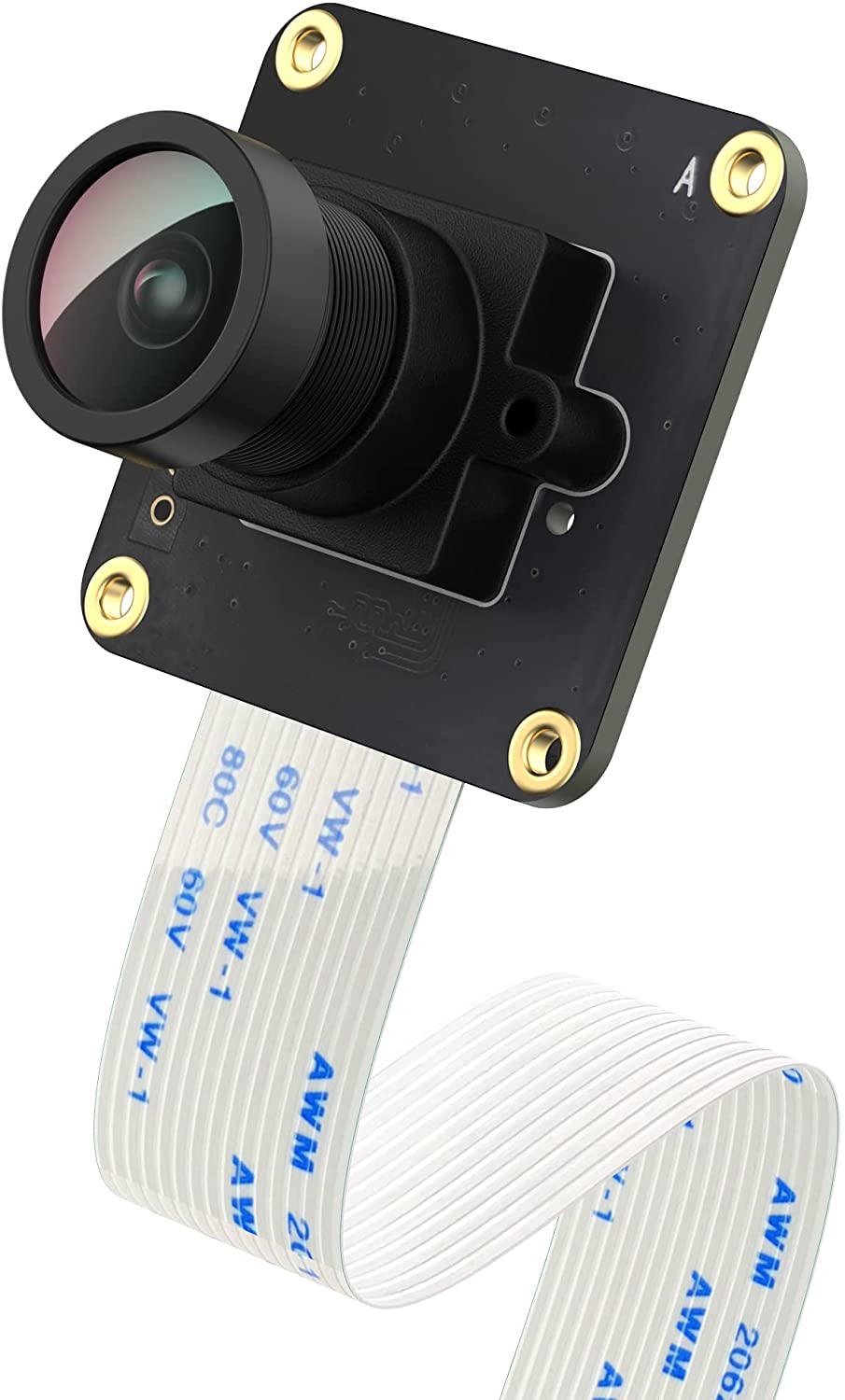
CAM-MIPI9281RAW-V2

Original price was: $49.99.Current price is: $34.99.

Datasheet: https://github.com/INNO-MAKER/CAM-OV9281RAW-V2

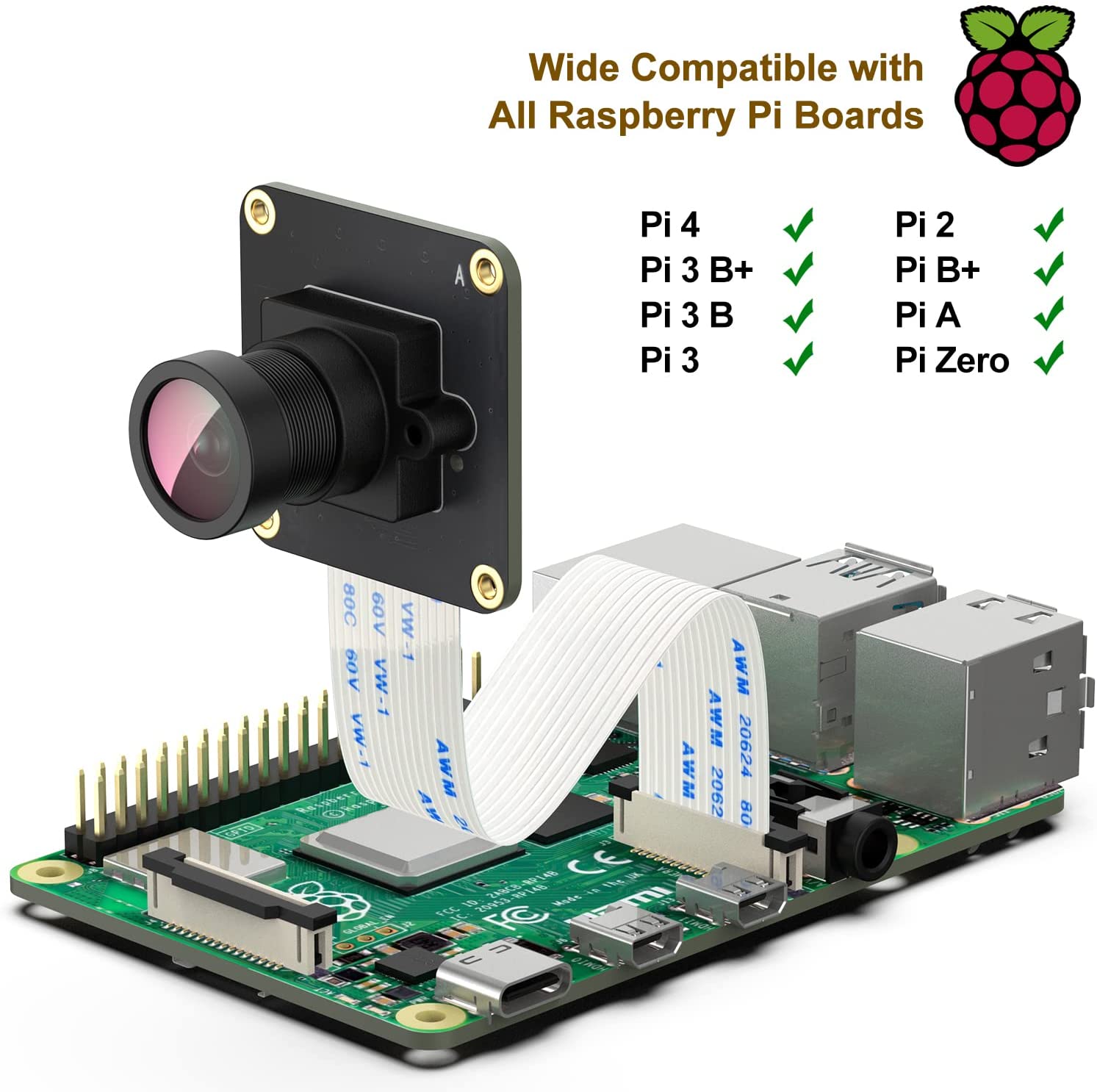
  • CAM-MIPIOV9281 is an Industrial Camera Module for Raspberry Pi 4/3B+/3B/CM4/CM3+. Fully V4L2 ( Video4Linux) compatible device. Support libcamera on Bullseye system.
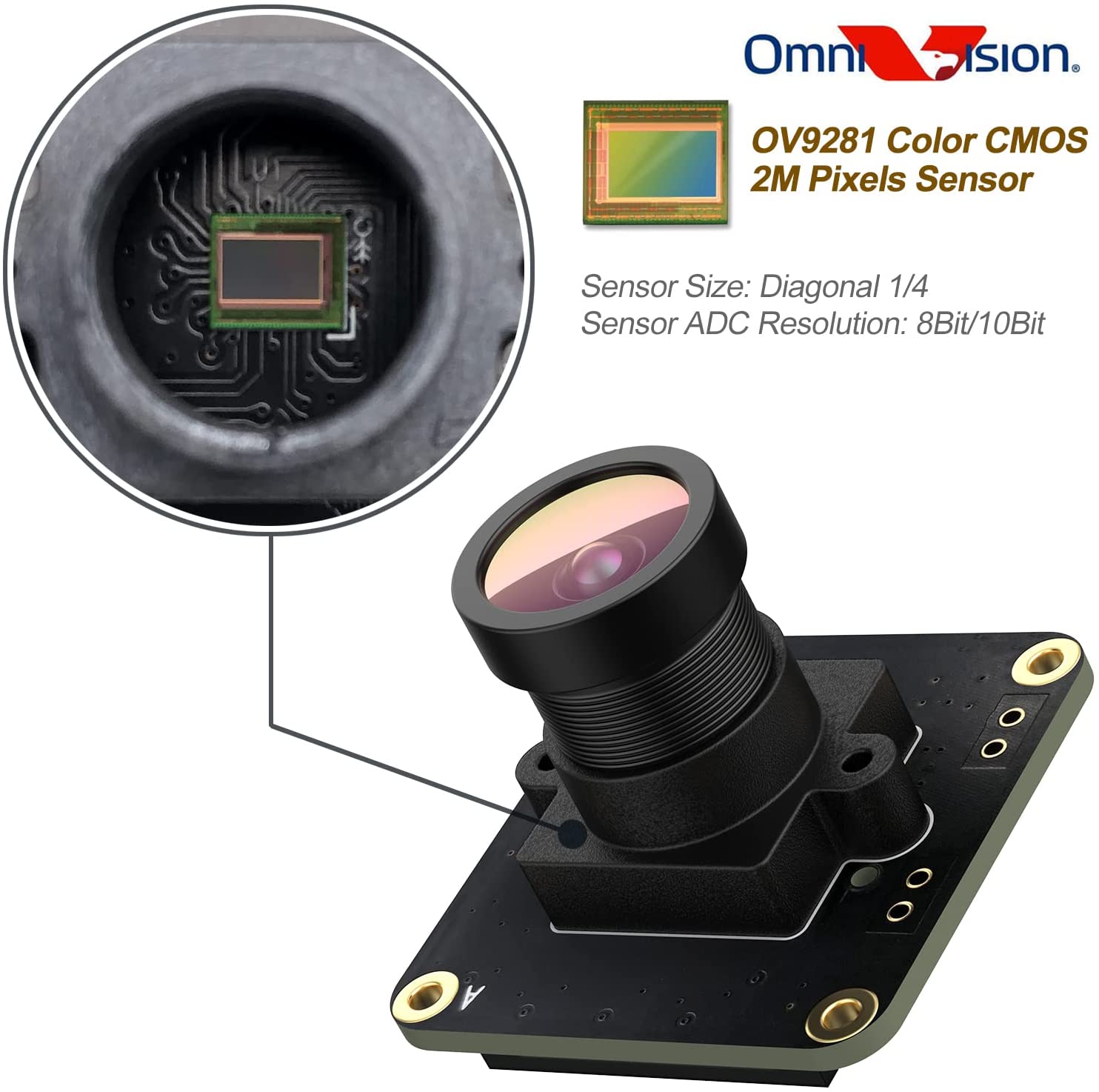
  • On-board OmniVision OV9281 Monochrome(Black&White) global shutter CMOS Sensor, 1M Pixel. Output RAW8/RAW10 choosable. Support from 640×400@253fps to 1280×800@144fps.
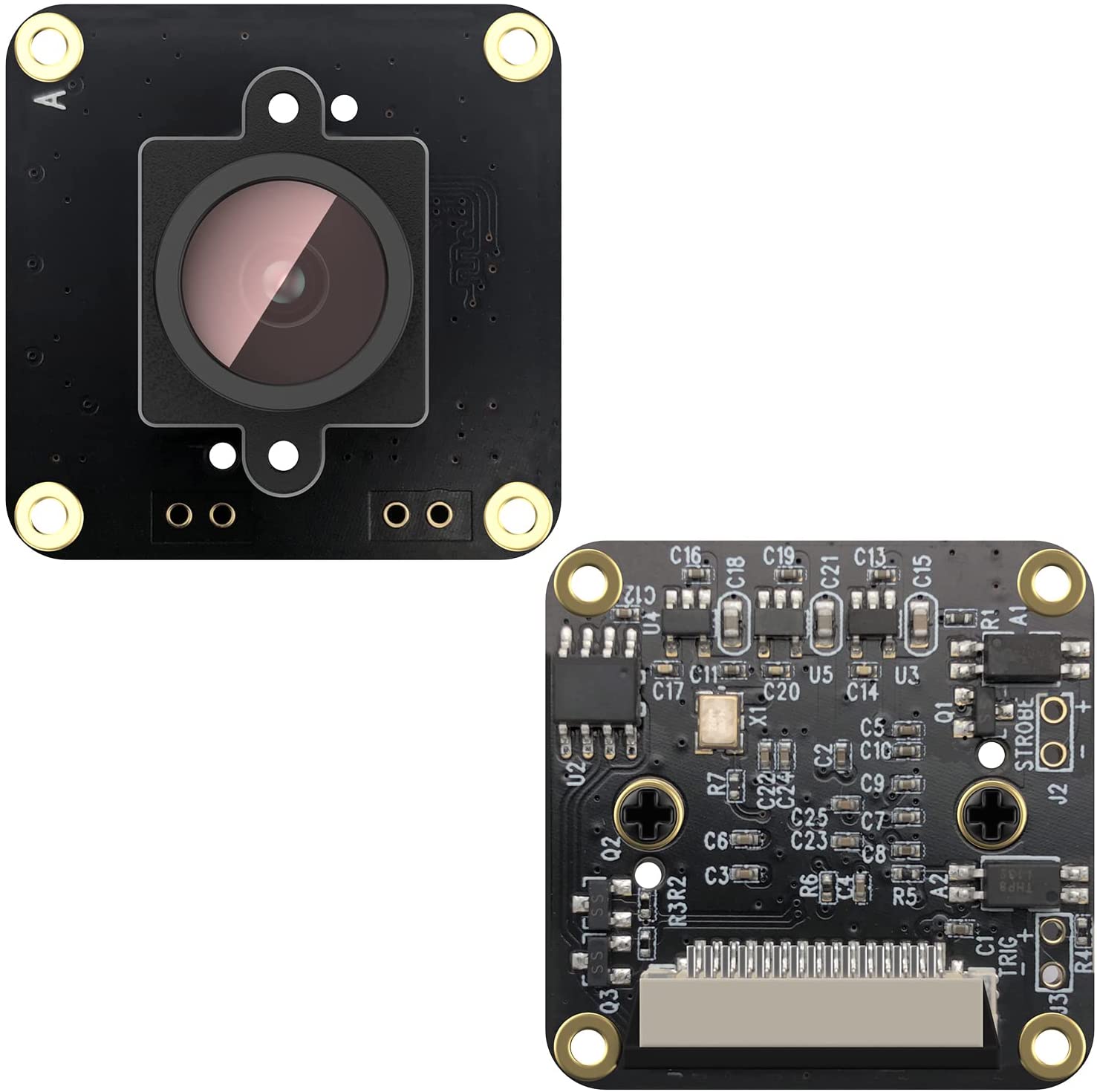
  • Support for external trigger mode, LED and flash strobe mode and gain programmable. Uses the technique of optical coupling isolation TLP281.
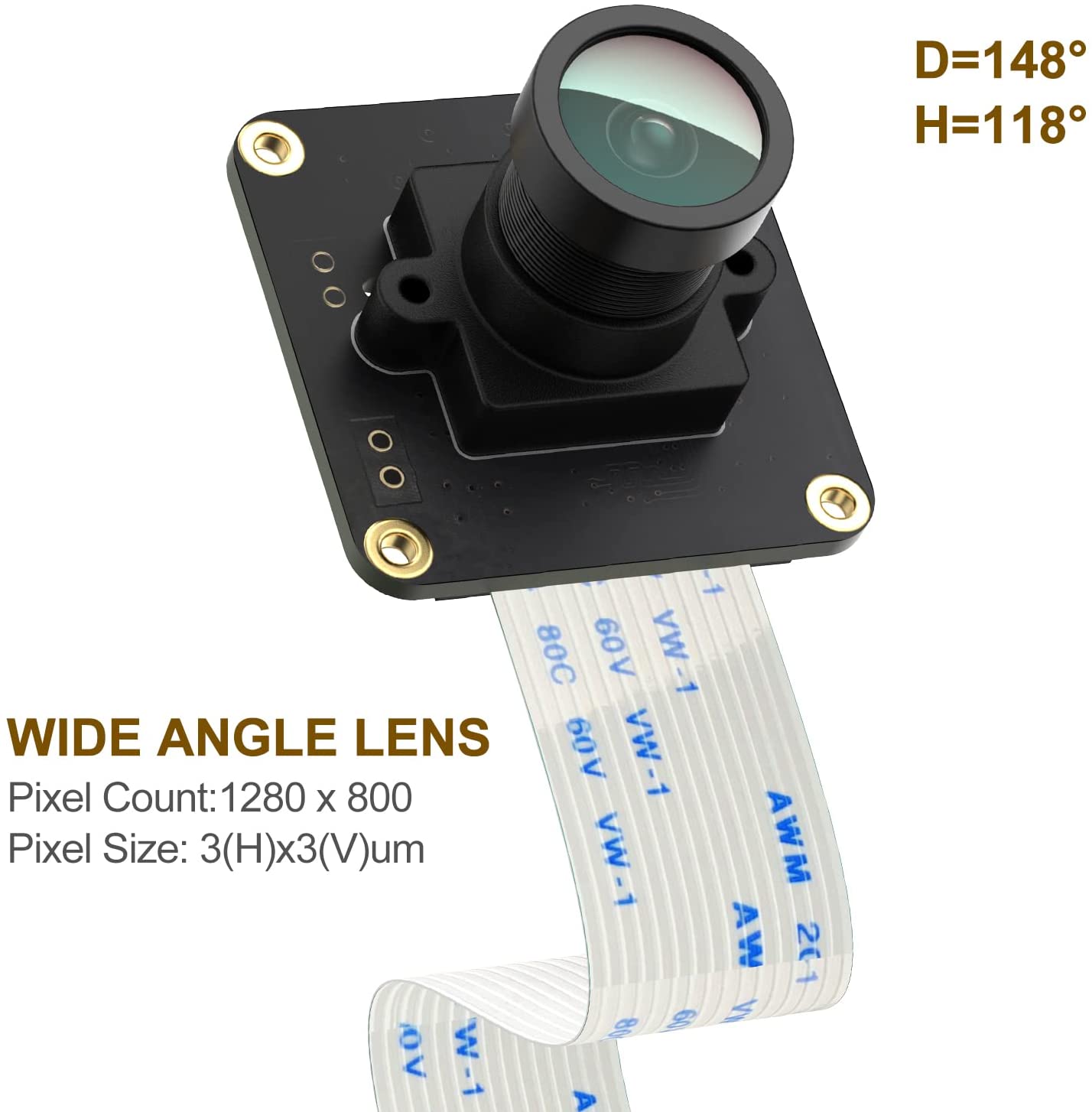
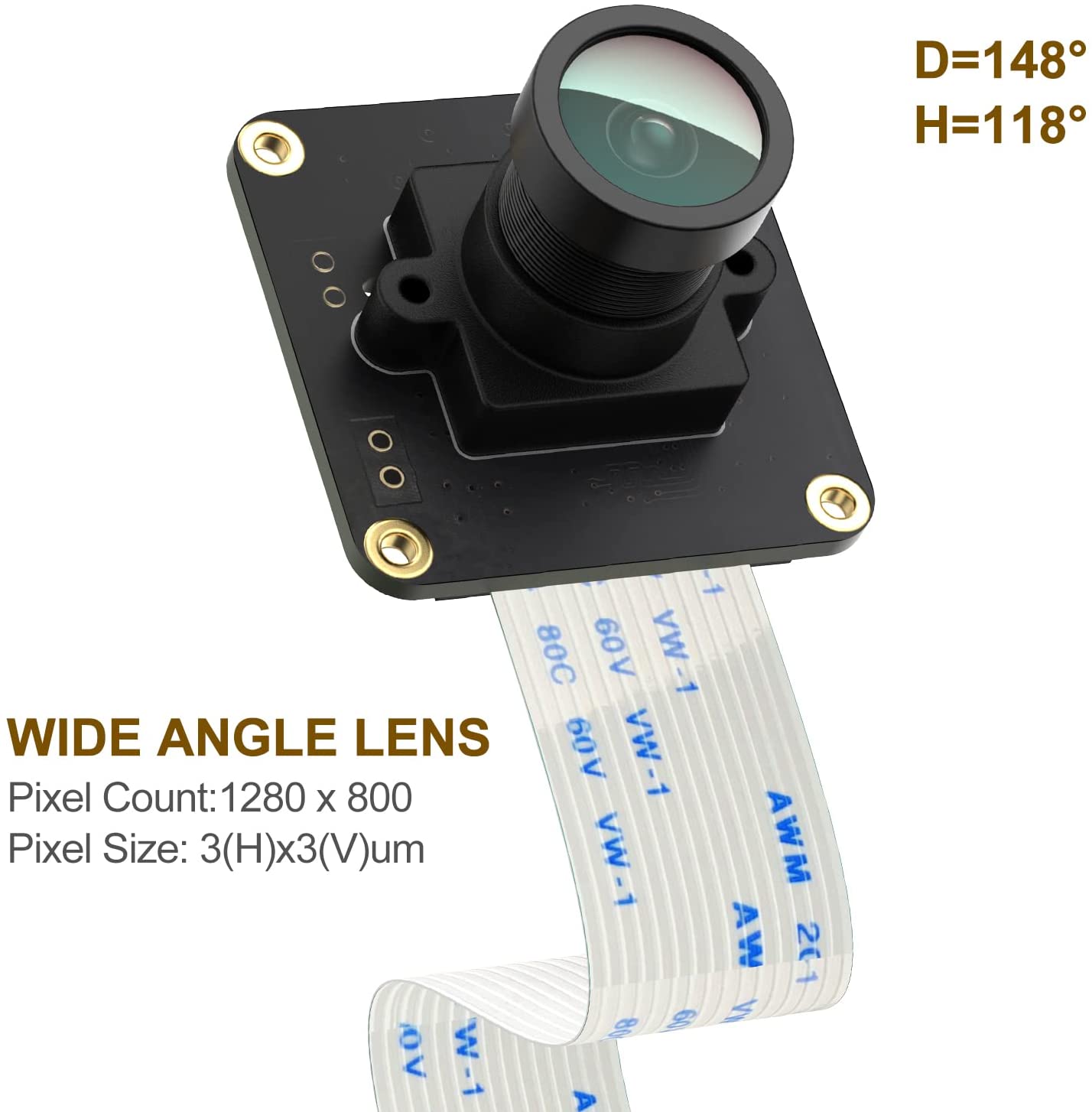
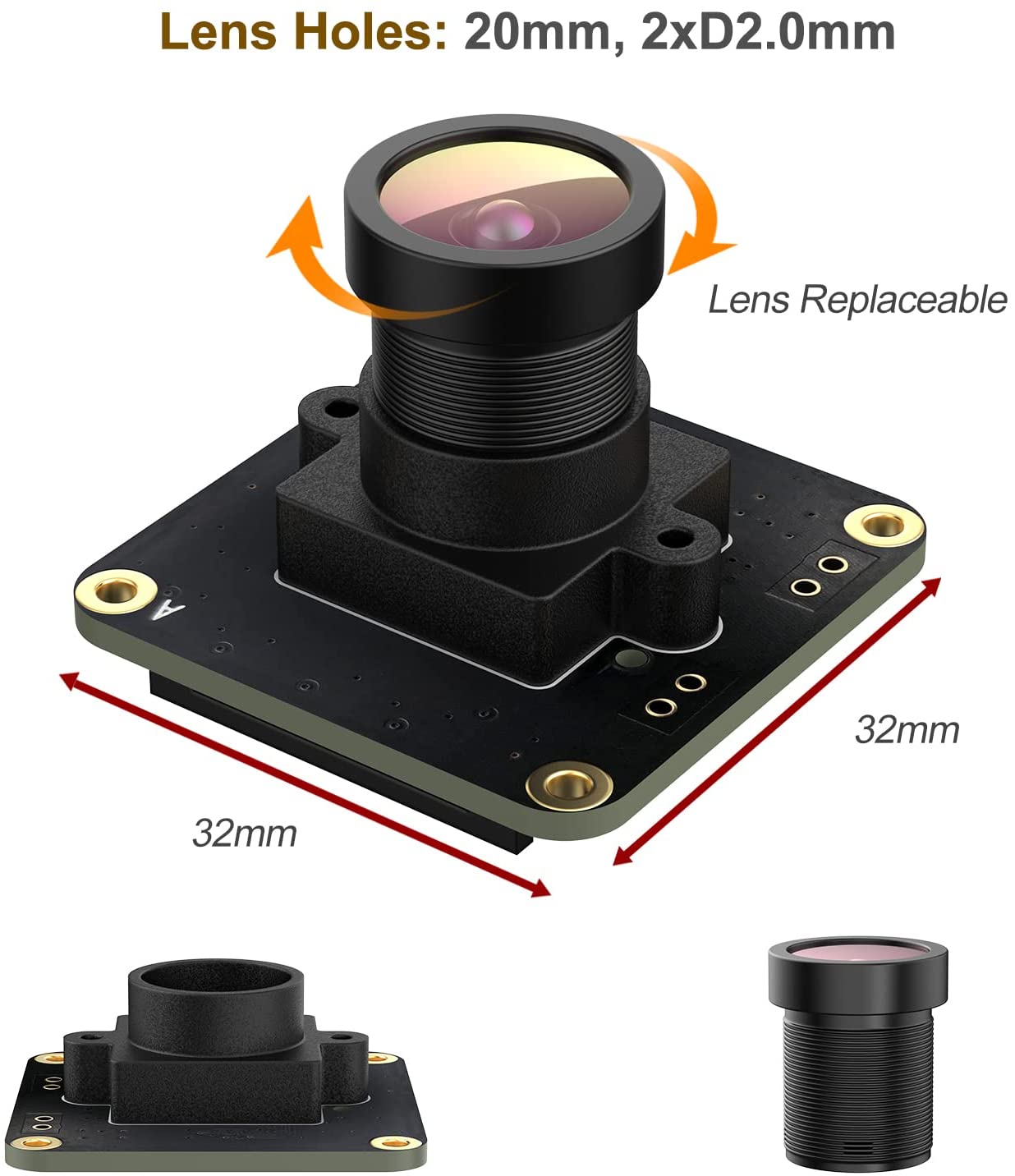
  • Match a wide angle fisheye Lens. Fov(D)=148 degrees, Fov(H)=118 degrees. Focal distance is adjustable.
  • Comes with user manual, test demo and friendly technology support. We offer custom design service.

Datasheet

Description


Raspberry Pi Camera OV9281 up to 453fps External Trigger Stream Mode Monochrome Global Shutter Sensor 1MPixel for Rasp Pi 4B 3B+ 3B 3A+ CM3+ CM3 Pi Zero W,Support Bullseye libcamera (Black)

Product Description

OV9281_Sensor_2MPixel_Wide_Angle_Fisheye_Lens_Rasp_Pi4_3B+_3B_Zero_A+_CM3+_CM3

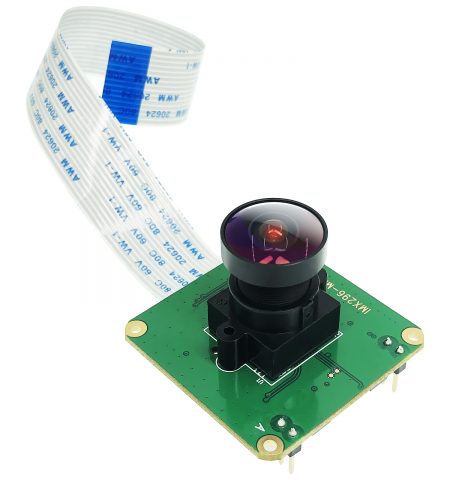
CAM-MIPIOV9281-V2 is a low-cost Fisheye Lens, monochrome(Black&White) global shutter camera module, designed for whole series Raspberry(P4/Pi3B+/PI3A+/PI3/CM3/CM3+). Plug into the CSI-2 Pi camera interface directly.

OV9281_Sensor_2MPixel_Wide_Angle_Fisheye_Lens_Rasp_Pi4_3B+_3B_Zero_A+_CM3+_CM3
Sensor Monochrome global shutter OV9281
Sensor Resolution 1280*800 pixels
Sensor image area 3896μm x 2453μm
Pixel size 3 μm x 3 μm
Optical size 1/4″
S/N ratio 38 dB
Dynamic range 68 dB
Output interface 2-lane MIPI Interface
Output formats 8/10-bit B&W RAW
Field of view Fov(D) = 90 degrees , Fov(H) = 72degrees
Focal Length 2.8 mm
Focal Distance Adjustable
TV DISTORTION <-17%
F(N) /Aperture 2.2
Still Resolution 1 million pixels


Quick start by Using Raspberry PI OS Build In Driver:

Please Note: Raspberry pi os built in drivers support cam-mipi9281raw module already,just need simple setup.

  • Step1,Edit config.txt  sudo nano /boot/config.txt  add dtoverlay=ov9281 and save file and reboot.
  • Step2,Use libcamera-hello -t 0 to preview.


Quick Start by InnoMaker Driver:

  • Step1, download source code:
$sudo git clone https://github.com/INNO-MAKER/CAM-OV9281RAW-V2
  • Step2, Install header file
$sudo apt-get install raspberrypi-kernel-headers
  • Step3, Enter Driver Source Code folder and compiler drivers
$cd CAM-OV9281RAW-V2/
$sudo chmod -R a+rwx *
$cd inno_ov9281_driver_source_code/
$cd sourcecode/
$sudo make
          After drivers compiler sucefully, then install drivers
$sudo make install
  • Step4, System setting
$sudo nano /boot/config.txt
          ADD 
dtoverlay=inno_mipi_ov9281 
Reboot
ls /dev/video*

          Use VLC or INNOCAM Tools to preview.


Additional information

Raspberry PI

Product Enquiry